
 Nederlands
 English
BinVault 1.2.3 for Windows is available. This version makes commenting on spots just as complete as in Spotnet. Since the previous versions, BinVault also lets you upload to Usenet yourself and post spots.
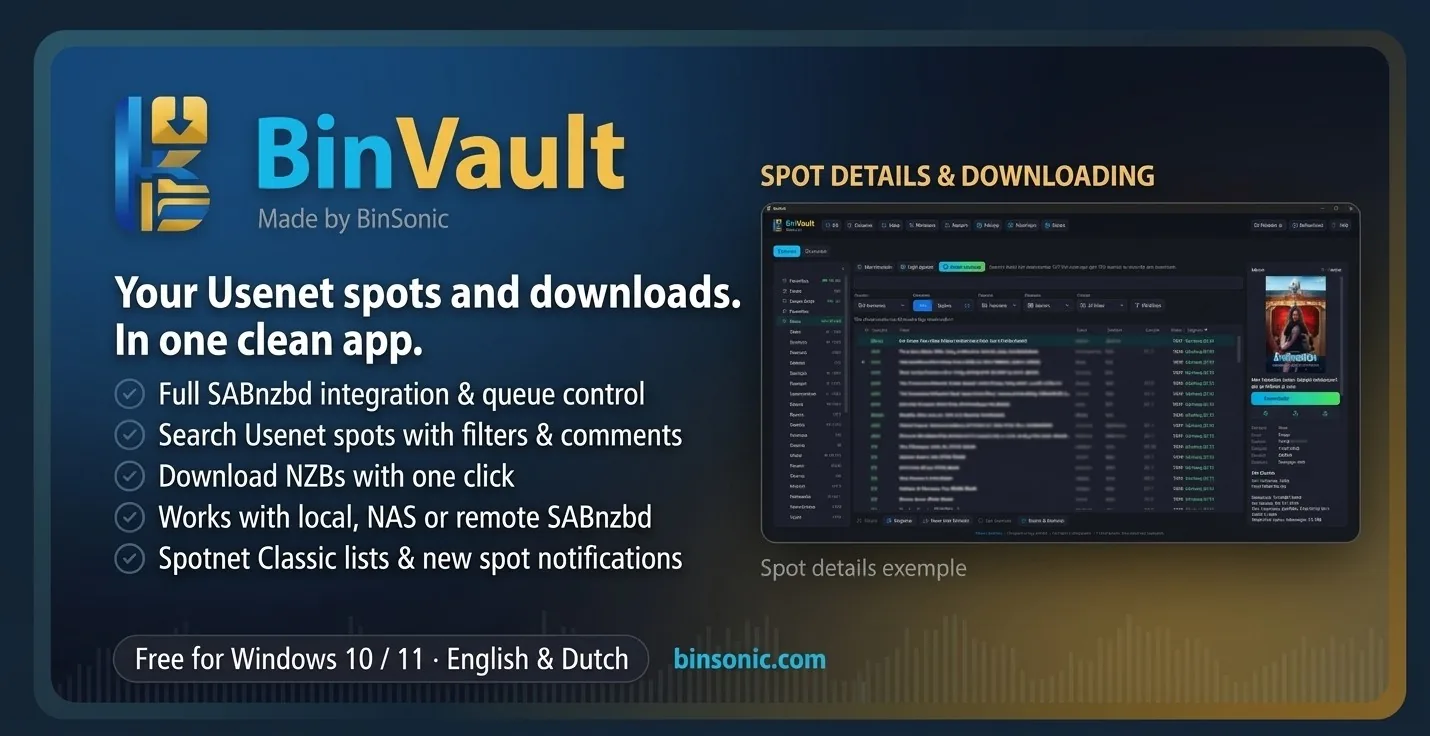
New in 1.2.3
- Your own comment appears with the spot straight away.
- Pick smileys when commenting; they also show up as smileys in Spotnet.
- Formatting (bold, italic, underline, link and text colour), with a preview. Comments from others show that formatting too.
- A counter for the 900-character limit.
Earlier in 1.2.x
- Upload to Usenet yourself, with recovery files (PAR2), obfuscated names and optionally 7-Zip with a password. BinVault checks the upload and creates the NZB.
- Post spots under your own spotter name, comment with a rating from 1 to 10 and report spam.
- Comments like on Spotnet, trusted senders in gold and a disk space check before a download.
Please note: whatever you post or upload is public and cannot be removed. Only upload what you are allowed to share.
Read more on the BinVault page or download BinVault 1.2.3 from the download page.