
 Nederlands
 English
BINSONIC · DTS2CS
The right sound for your films
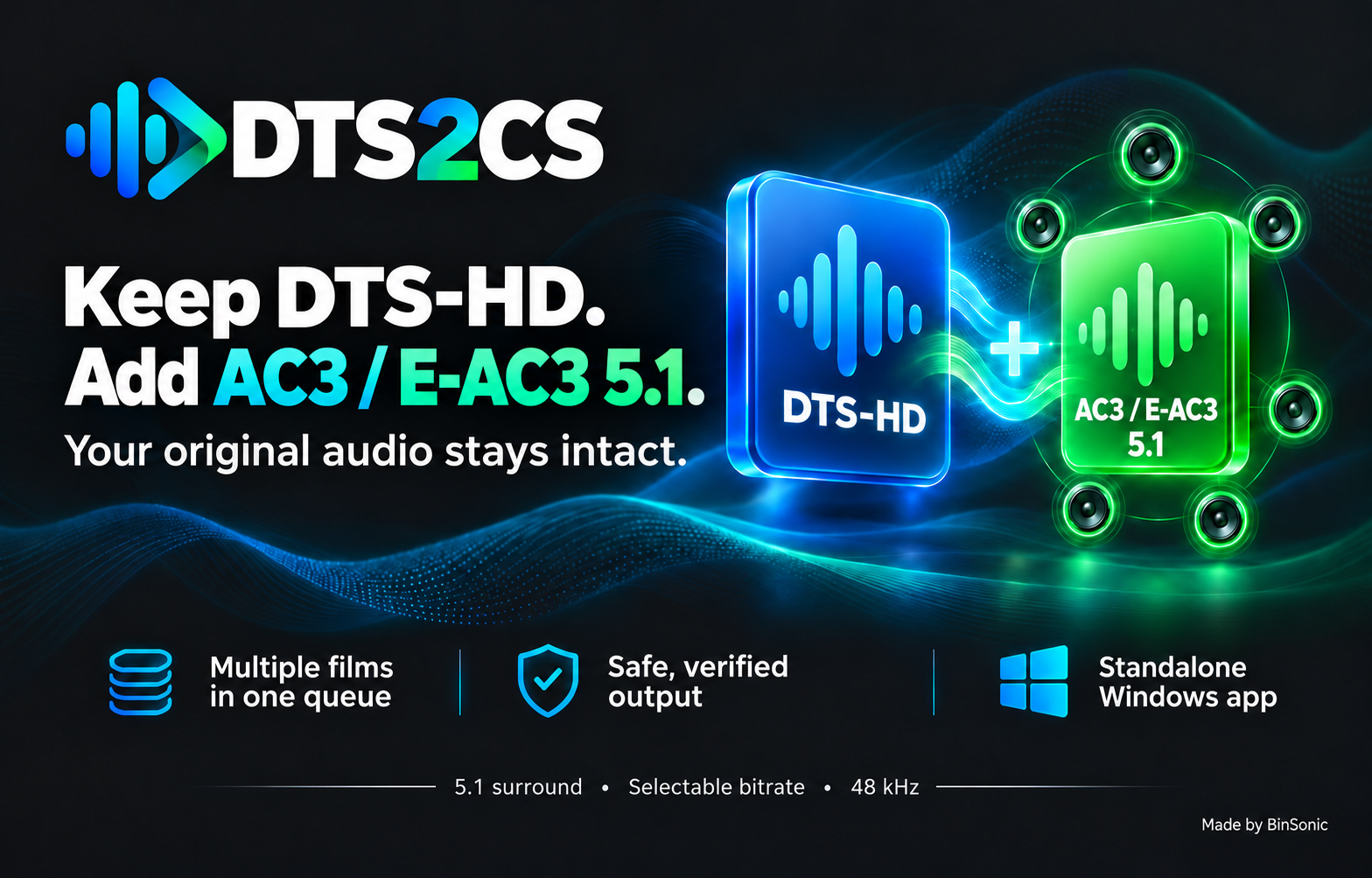
Add an AC3 or E-AC3 5.1 track to an MKV film while preserving the original DTS or DTS-HD sound.
Windows 10 22H2 / Windows 11 · 64-bit · approximately 86.4 MB
Sign in or register to download; the app itself works without an account.
Keep the original
Preserve the original DTS or DTS-HD audio.
Add 5.1 sound
Add an AC3 or E-AC3 track for compatible devices.
Work your way
Choose one film, a folder or a queue.
EXPLORE THE FEATURES
More about DTS2CS
01 · DTS2CS
A standalone converter from BinSonic
DTS2cs is a Windows app in the style of FlickStash and BeatStash, in English and Dutch. It works on its own: no BinSonic catalogue, provider account or downloader is needed. Choose one movie, add several movies to a queue or scan a folder for suitable MKV files. You decide when processing starts. The same converter is also built into BinSonic 3.
02 · DTS2CS
New in version 2.0.0
- Completely rebuilt, with the new DTS2cs logo and the same conversion and checks as 1.1.7.
- Test sample (60 s): convert a short piece first and try it on your player.
- Free space check before converting starts.
- Remaining time and progress, also on the taskbar button.
- The queue is kept after closing; nothing ever starts by itself.
- Drag movies, folders and multiple movies onto the window.
- Clearer message for a track with timestamps that jump back: which track and where.
- Audio mode and bitrate are remembered; "Replace original" deliberately is not.
03 · DTS2CS
English and Dutch
Choose English or Nederlands in the app; the screens, queue, progress, messages and help (F1) change straight away. The setup is available in both languages too.
04 · DTS2CS
Two formats and two audio modes
Preserve DTS-HD and add AC3 or E-AC3 5.1
This mode preserves every original audio track bit-for-bit and adds one AC3 or E-AC3 5.1 track derived from the first DTS track in the second audio position. The remaining original tracks retain their relative order.
The new track has six channels at 48 kHz with automatic peak correction. Choose AC3 bitrates from 384 to 640 kbps or E-AC3 values up to 1536 kbps; the default is 640 kbps. DTS2CS measures audio beforehand and reduces the new track volume when needed. Measurement takes extra time and can be canceled. The language is retained and the track receives a recognizable title. A track previously added by this feature in the same format and language is not added again.
Existing default-track flags remain unchanged; select the new track in your player if needed. AC3 and E-AC3 are compressed audio. The original DTS-HD audio remains available in this mode, and the added track increases file size.
Convert all audio tracks to AC3 or E-AC3 5.1
A separate mode converts all audio tracks to the selected format and re-encodes the original audio. Video is copied without re-encoding. E-AC3 is also known as Dolby Digital Plus; check that your TV, soundbar or player supports the format and selected bitrate. A higher bitrate does not always produce an audible improvement.
05 · DTS2CS
One film, a folder or a queue
- One file: choose a local MKV and check the destination and audio mode before starting.
- Multiple films: add files to a queue. The app processes one film at a time and prevents duplicate paths.
- Folder scan: search folders and subfolders for DTS MKVs without a known existing 5.1 track in the selected format. You can exclude films with a track in the other format; this is enabled by default. Files with unknown channel layouts are reported separately.
- Progress: compact rows show film, status and details. Completed films are green, ordinary errors red and warnings yellow.
- Control: follow progress and choose to stop after the current film or cancel processing.
The queue can continue after ordinary file or media errors. Warnings or uncertain replacements stop processing for review. The queue belongs to the current session.
06 · DTS2CS
Save safely and check results
By default DTS2CS creates a separate result in the Geconverteerd folder next to the source, without overwriting existing results. Errors, cancellation or changes to the source during processing should not leave an incomplete result.
DTS2CS checks the new AC3 or E-AC3 track and its language. When adding audio, it also compares the audio packets of all original tracks. Checks include video, subtitles, chapters, attachments, metadata, track flags and timestamps; video does not need to be re-encoded.
Replacing the original is a separate explicit option for local and SMB files and requires confirmation. Recovery material is kept until replacement and checks succeed. If the outcome is uncertain, processing stops and recovery material remains available. Ensure a network share has sufficient permissions and free space; separate output is the default.
07 · DTS2CS
Checking for updates
Under Settings you see your version and the FFmpeg version, and you can check with one button whether a new version is available on binsonic.com. This only happens when you press the button; nothing is ever downloaded or installed automatically.
08 · DTS2CS
Getting started
- Install DTS2CS using DTS2cs-Converter-Setup-2.0.0.exe.
- Open the app and choose an MKV file, multiple films or a folder scan.
- Choose an audio mode and check the destination.
- Start processing and monitor the window or queue.
- Open the checked result in your player and select the added AC3 or E-AC3 5.1 track if needed.
09 · DTS2CS
Everything in one installer
The setup contains everything DTS2cs needs, including FFmpeg and its licences; you do not need to install anything separately. DTS2cs only uses the bundled FFmpeg and verifies each of its files before use. The app is installed per user, without administrator rights, and is separate from the old DTS2CS 1.1.x, which can stay installed. Your settings and queue are stored in %AppData%\WPF-DTS2CS. Suitable for Windows 10 22H2 or Windows 11, 64-bit, with MKV files on local storage or a reachable SMB share.
10 · DTS2CS
Questions or feedback?
Visit the BinSonic forum for questions, experiences and ideas. Learn more at binsonic.com.
Made by BinSonic
DTS2CS frequently asked questions
Is the original DTS audio preserved?
In the add-track mode, the original audio is preserved and an AC3 or E-AC3 track is added.
Is the video re-encoded?
The video is copied without re-encoding.
Do I need an account?
A BinSonic account is required for the download; the application itself works without one.