
 Nederlands
 English
News
Discover the latest news, updates and developments from BinSonic.
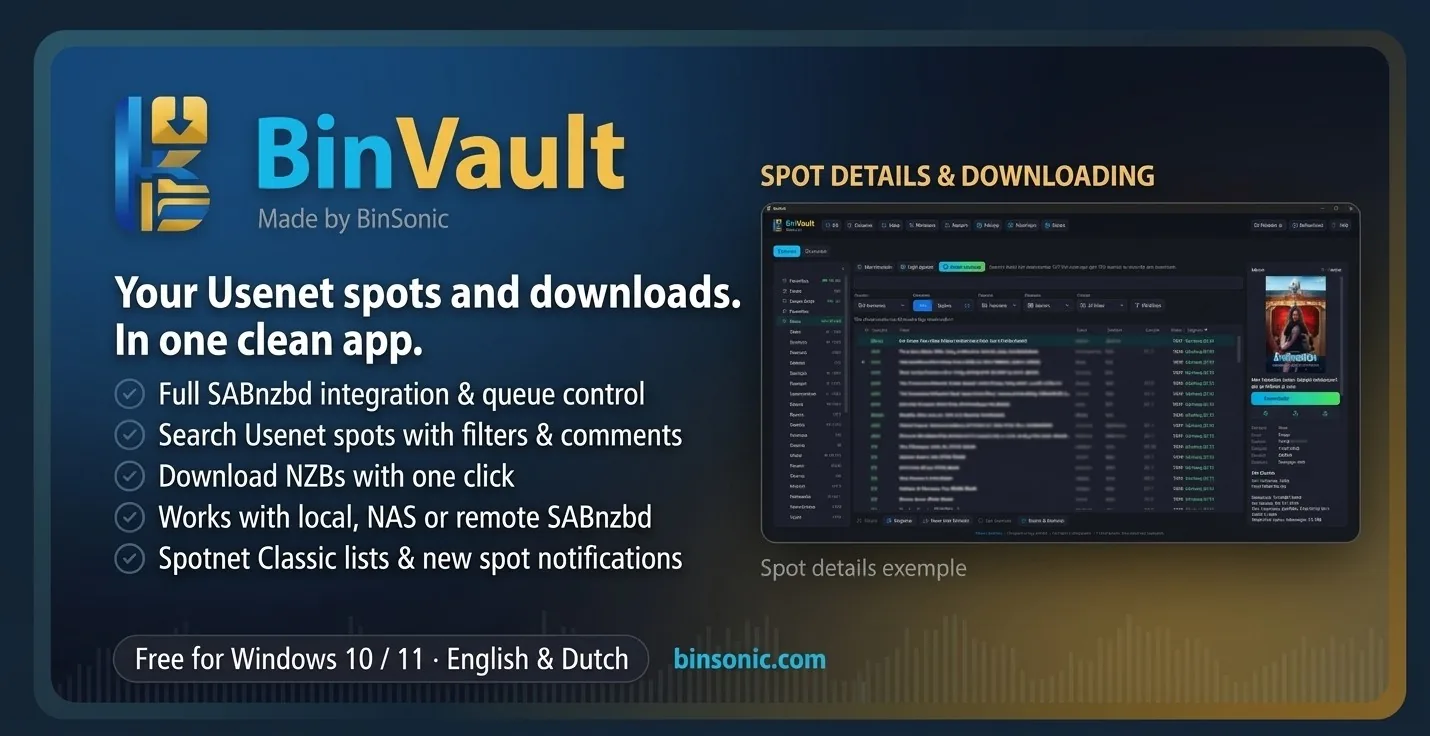
There is a new app from BinSonic: BinVault 1.0.0 for Windows. BinVault is a SABnzbd app and Usenet downloader in one: search spots in the newsgroups, read details and comments, and send the NZB to SABnzbd with one click. It works just like Spots in BinSonic, but as a standalone app with all buttons in one toolbar.
What's inside
- Full SABnzbd integration: view the queue and history, and pause, resume or delete downloads.
- Bundled SABnzbd 5.1.3 that BinVault sets up for you, or your own SABnzbd on this PC, a NAS or a server (over HTTPS).
- Spots with a category tree, search and filters, list or posters, and a detail pane with comments, ratings and spam reports.
- Watched searches with a Windows notification, automatic updates and markers for "already downloaded" and "already in your BinSonic library".
- Save or open NZBs, and import data from BinSonic.
BinVault can be open at the same time as BinSonic; the bundled downloaders each use their own port. Read all about the app on the BinVault page or download BinVault 1.0.0 (about 78 MB) from the download page. Sign in with your BinSonic account or create a free account.
BinSonic 3.1.1 for Windows is now available. This version gives Spots a complete makeover modelled on Spotnet, with comments, ratings and a detail pane next to the list.
New in 3.1
- Spots with a category tree showing counts and genres, new spots in bold, and opening on New.
- A detail pane with a Download button next to the list and in the poster view, plus a Format column just like in Spotnet.
- Comments, ratings and spam reports for spots, updated together with Update spots.
- Watched searches with a Windows notification, excluded words and senders, and markers for "in library" and "already downloaded".
- Bulk genre lookup via MusicBrainz, an Overview start screen, Ctrl+K to search everywhere and a weekly backup.
- More room on a regular monitor: collapse the BinSonic menu and the category tree to icons.
New in 3.1.1
- On a regular monitor, the Spots detail pane appears as a window over the list as soon as you select a spot; close it with Close or Esc. On a wide screen it stays next to the list.
Install the new setup over your current installation; your data is kept. Download BinSonic 3.1.1 from the download page. Sign in with your BinSonic account or create a free account. Read more about Spots.
DTS2cs Converter 2.0.0 for Windows is available. The app has been completely rebuilt in the style of FlickStash and BeatStash, with the new DTS2cs logo. Conversion and all checks are the same as in 1.1.7: AC3 up to 640 kbps, E-AC3 up to 1536 kbps, and the original DTS audio is kept.
New in 2.0.0
- Test sample (60 s): convert a short piece first and try it on your player.
- Free space check before converting starts.
- Remaining time and progress, also on the taskbar button.
- The queue is kept after closing; nothing ever starts by itself.
- Drag movies, folders and multiple movies onto the window.
- Clearer message for a track with timestamps that jump back: which track and where.
- Audio mode and bitrate are remembered; "Replace original" deliberately is not.
DTS2cs 2.0.0 is separate from the old DTS2CS 1.1.x, which can stay installed. Download the new version from the DTS2CS page. Using BinSonic 3? The same converter is already built in.
BinSonic 3.0.0 for Windows is now available. Bring films, music and spots together in one application and explore the updated tools for your media collection.
Get the latest version from the download page. Sign in with your BinSonic account or create one for free.
FlickStash brings movies from your PC, NAS and FTP server together in one organised library. Browse posters, movie information and available audio tracks. Version 0.2.1 is a test version.
BeatStash brings music from your PC, NAS and FTP server together in one library and includes a full-featured DJ controller. Version 0.2.6 is a test version.
From the forum archive: this announcement describes an earlier version.
Development version 2.0.0-dev.349 added Dutch and English support and improvements to film libraries, music scans, spot filters, reliability and window handling.
From the forum archive: this announcement describes an earlier version.
Version 1.1.6 added a visible version number and a manual update check. Updates are not downloaded or installed automatically.
From the forum archive: this announcement describes an earlier version.
Version 1.1.5 added an option to exclude films with an existing track in the other format. The maximum E-AC3 bitrate was adjusted to 1536 kbps after compatibility testing.