 Nederlands
 English
BINSONIC · MUSIC
Your music, from library to DJ mix
Bring your albums and tracks together in one library, on your PC or on your network. Listen with the built-in player, create playlists and mix your favourites with the DJ controller.
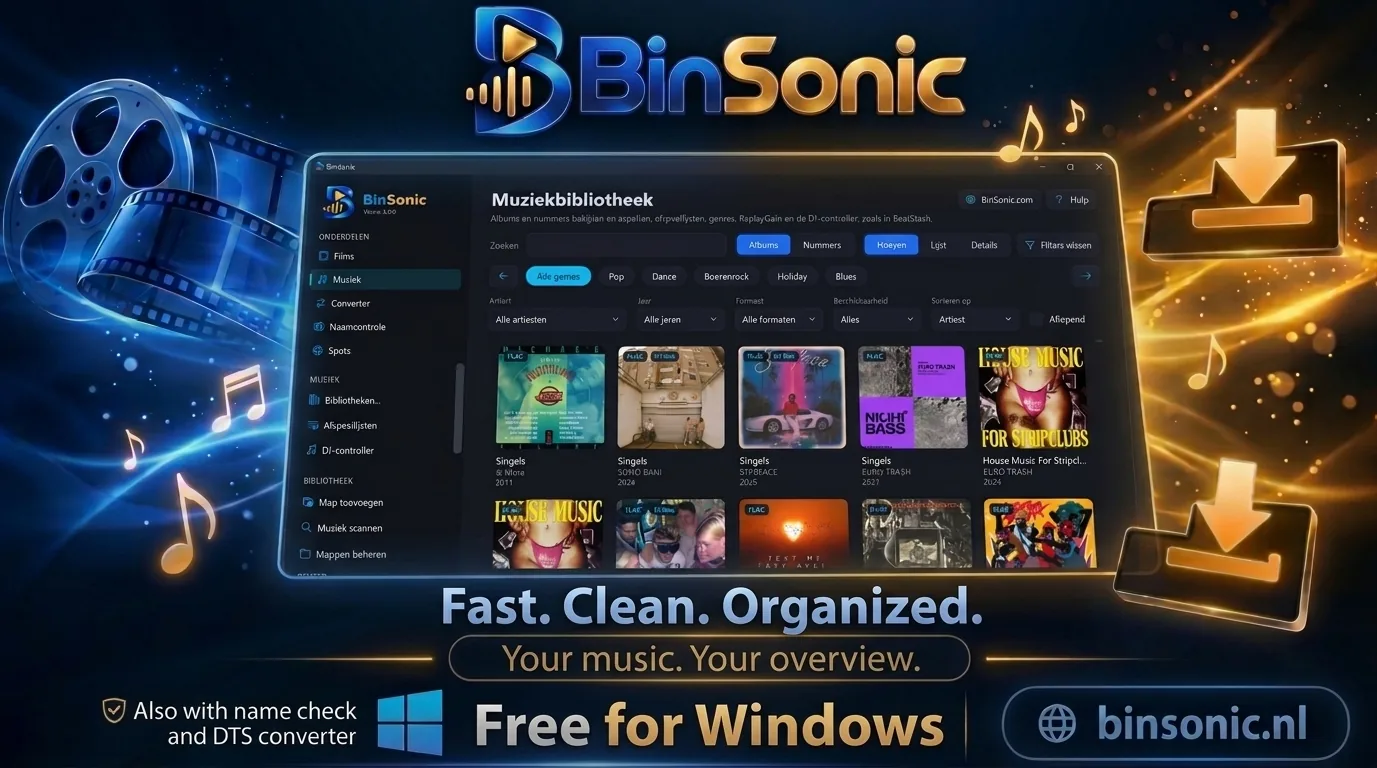
Albums at a glance
Browse your collection by album cover.
Player and queue
Keep listening while you work in Movies or Spots.
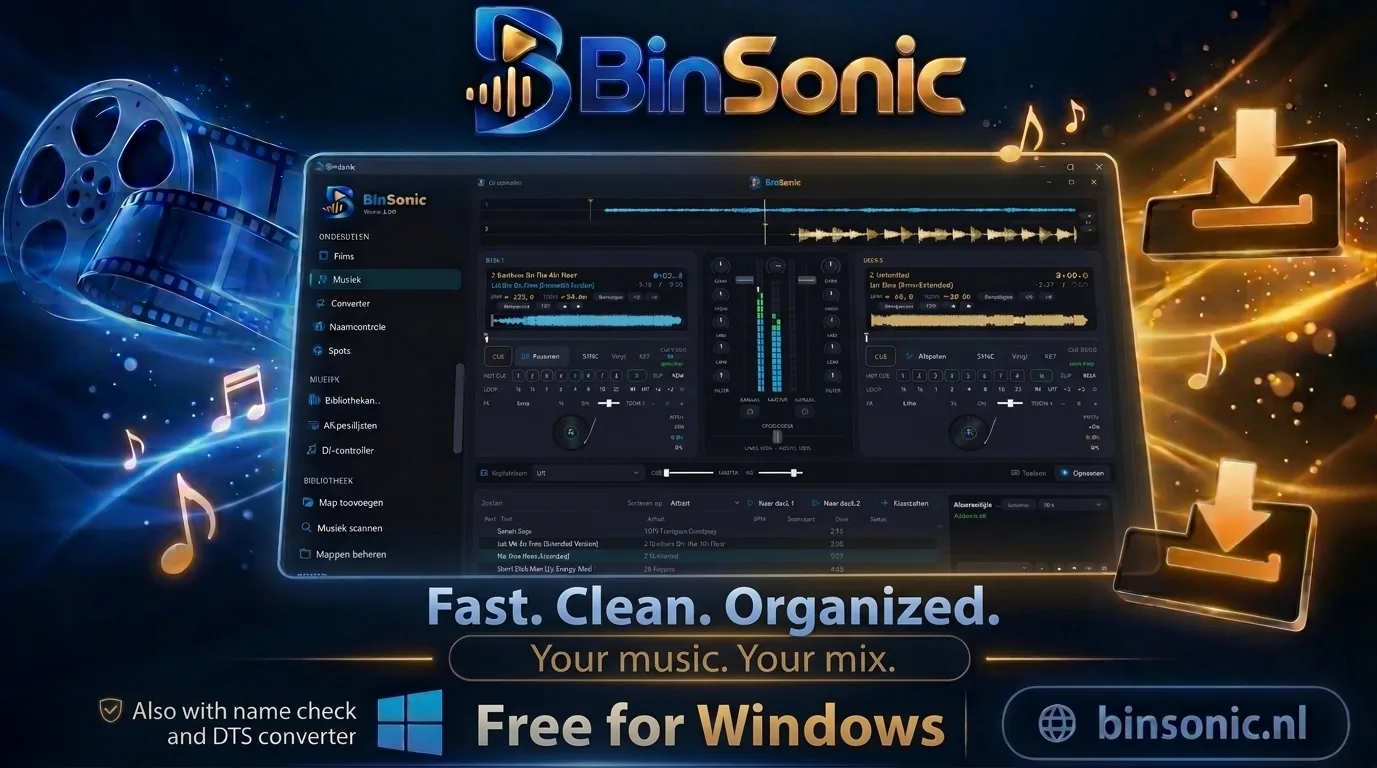
DJ controller
Two decks, mixer and crossfader built in.
DISCOVER THE POSSIBILITIES
More with BinSonic
01 · BINSONIC
Your library at a glance
Add music folders on your PC, a NAS or SMB share, or an FTP server and let BinSonic scan them. Tags and covers from your files form the basis: browse by album, open an album to see its tracks and search by artist, album or title. CUE files are recognised too.
02 · BINSONIC
Listen your way
Play an album or individual tracks and manage the queue. The mini player stays visible at the bottom in every section, and your keyboard media keys just work. ReplayGain keeps tracks at an even volume, and you can look up the lyrics of a track.
03 · BINSONIC
Playlists and genres
Create your own playlists. Missing genres? Fill them in, even in bulk: BinSonic looks up the genre per album or per artist on MusicBrainz and shows you the proposal first.
04 · BINSONIC
Moving over from BeatStash
Already using BeatStash? Choose Management… › Import data… to bring over your music, covers and playlists in one go. BeatStash itself keeps working. Questions? Visit the forum.
05 · BINSONIC
Mixing with the DJ controller
Open the DJ controller from Music and load tracks from your own library onto two decks. You see the waveform, tempo and key, and work with cue, sync, hot cues, loops and effects.
The mixer has gain, high, mid, low and a filter for each deck, with a crossfader in between. Record your mix and play it back later. The regular player pauses automatically as soon as you start mixing.