 Nederlands
 English
BINSONIC · MOVIES
Your movies, beautifully organised
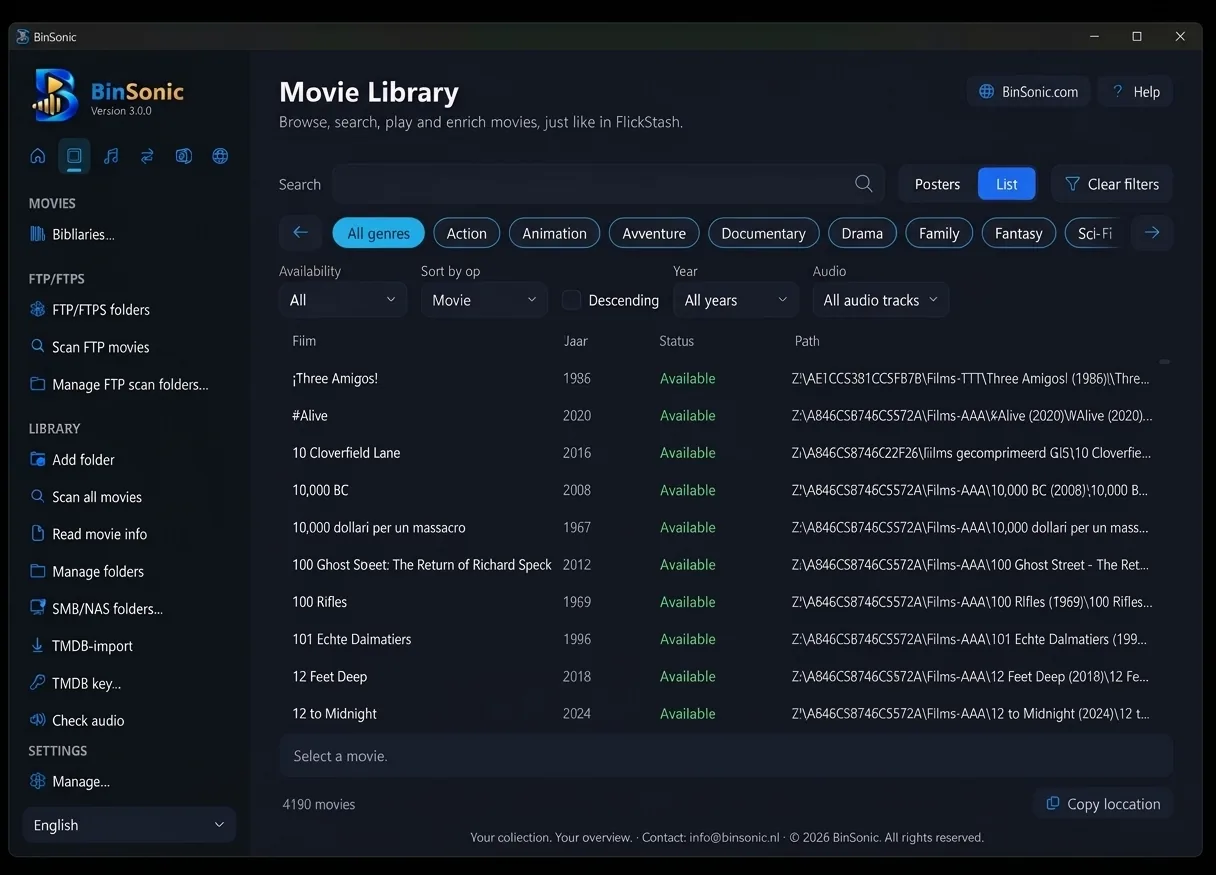
BinSonic brings movies from your PC, NAS and FTP server together in one library with posters and film information. Watch them with the built-in player, find subtitles and keep your collection tidy.
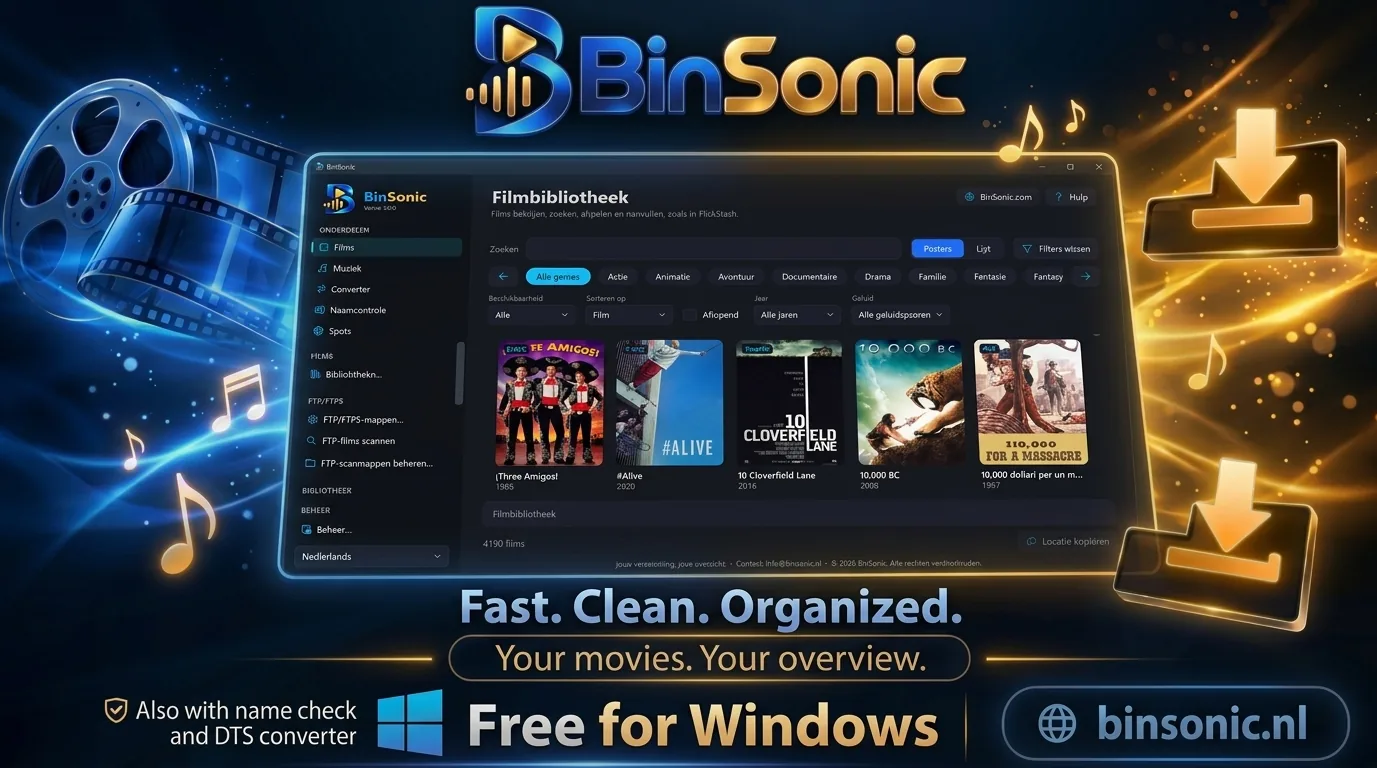
Posters or list
Browse your movie collection your way.
Built-in player
Play with VLC and resume where you left off.
Audio and subtitles
DTS tracks, conversion and subtitle search.
DISCOVER THE POSSIBILITIES
More with BinSonic
01 · BINSONIC
Build your library
Add movie folders on your PC, a NAS or SMB share, or an FTP/FTPS server and choose when to scan. BinSonic fetches posters and film information from TMDb, using your own free access key.
02 · BINSONIC
Watch and resume
VLC is built into BinSonic, so you can play movies straight away. Stop halfway and you can resume later where you left off. Media information shows the video, audio and subtitle tracks of a movie.
03 · BINSONIC
Find and translate subtitles
Search for subtitles through OpenSubtitles. Only an English one available? Have it translated into Dutch with Codex. This is optional and you choose it during installation.
04 · BINSONIC
Convert DTS without a separate app
Find movies with DTS audio and send them to the Converter queue with a right-click. The built-in converter adds an AC3 or E-AC3 5.1 track and keeps the original audio.
05 · BINSONIC
A collection that stays tidy
View your movies as posters or in a list, search by title and filter by genre. Select a movie for its information and file location. Press Ctrl+K to search all of BinSonic at once.
Library maintenance shows possible duplicate movies; you can send the folder of a redundant version to the Recycle Bin. Give new movies a clean name first with Name Check. Coming from FlickStash? Bring over your movies and posters via Management… › Import data…. Questions? Visit the forum.