
 Nederlands
 English
All your films. One beautiful library.
FlickStash is BinSonic’s film library for Windows. Browse and organise films from your computer, NAS or FTP server in one place.
Forum →Download FlickStash 0.2.1 ↓A BinSonic account is required to download.
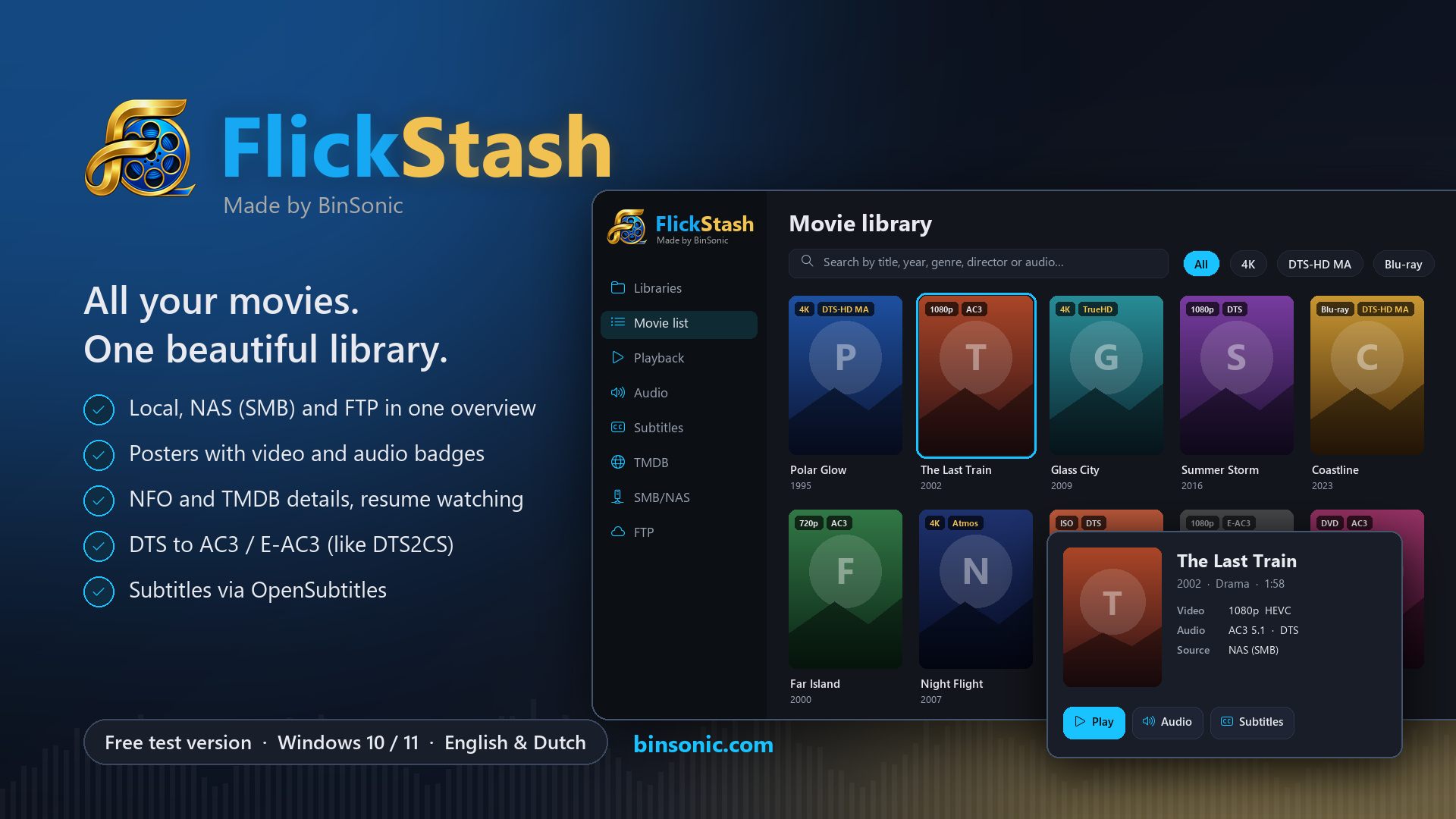
Your film library
Add local folders and suitable SMB/NAS or FTP/FTPS locations and scan your collection. Browse posters or a list, then search and filter by title, genre, year or audio.
Film information and posters
Explore technical details and NFO information. Use your own TMDb key to look up film information and posters, and choose which results to keep.
Playback, audio and subtitles
Play films directly in the built-in player, also from your NAS or FTP server, and resume later where you left off. ISO files and DVD and Blu-ray folders play too. Inspect audio tracks and create AC3 copies. Search for and manage subtitles with your own OpenSubtitles account.
Good to know
FlickStash is a test version for Windows. Films are played directly, without copying, and your source films remain unchanged. Want movies, music and spots in one program? BinSonic 3 imports your FlickStash films and posters in one go.
FlickStash frequently asked questions
Where can my movies be stored?
Add local folders and suitable NAS and FTP locations to your library.
Is FlickStash ready to use?
Version 0.2.1 is a test version. Share questions and feedback on the forum.
Do I need an account?
A BinSonic account is required for the download.