
 Nederlands
 English
BINSONIC · SPOTS
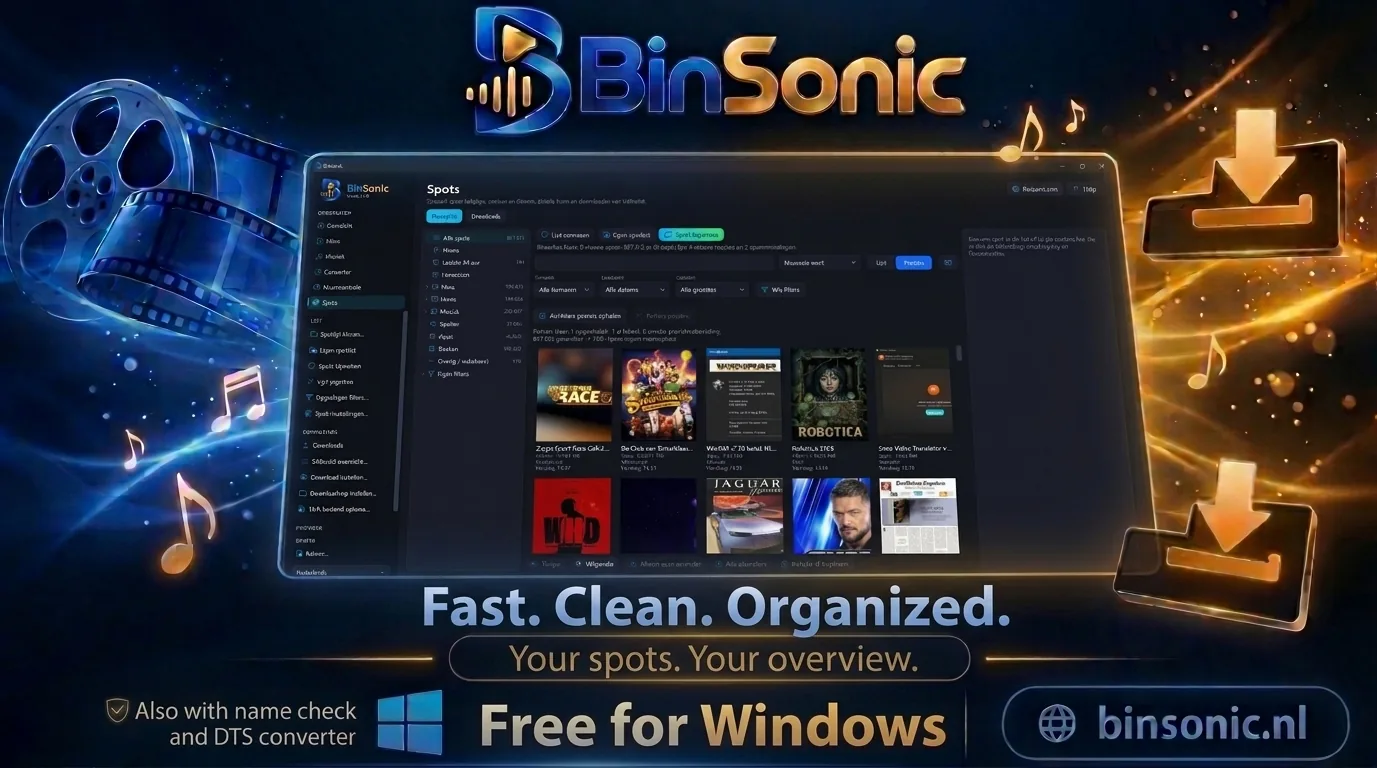
Spots the way you know them from Spotnet
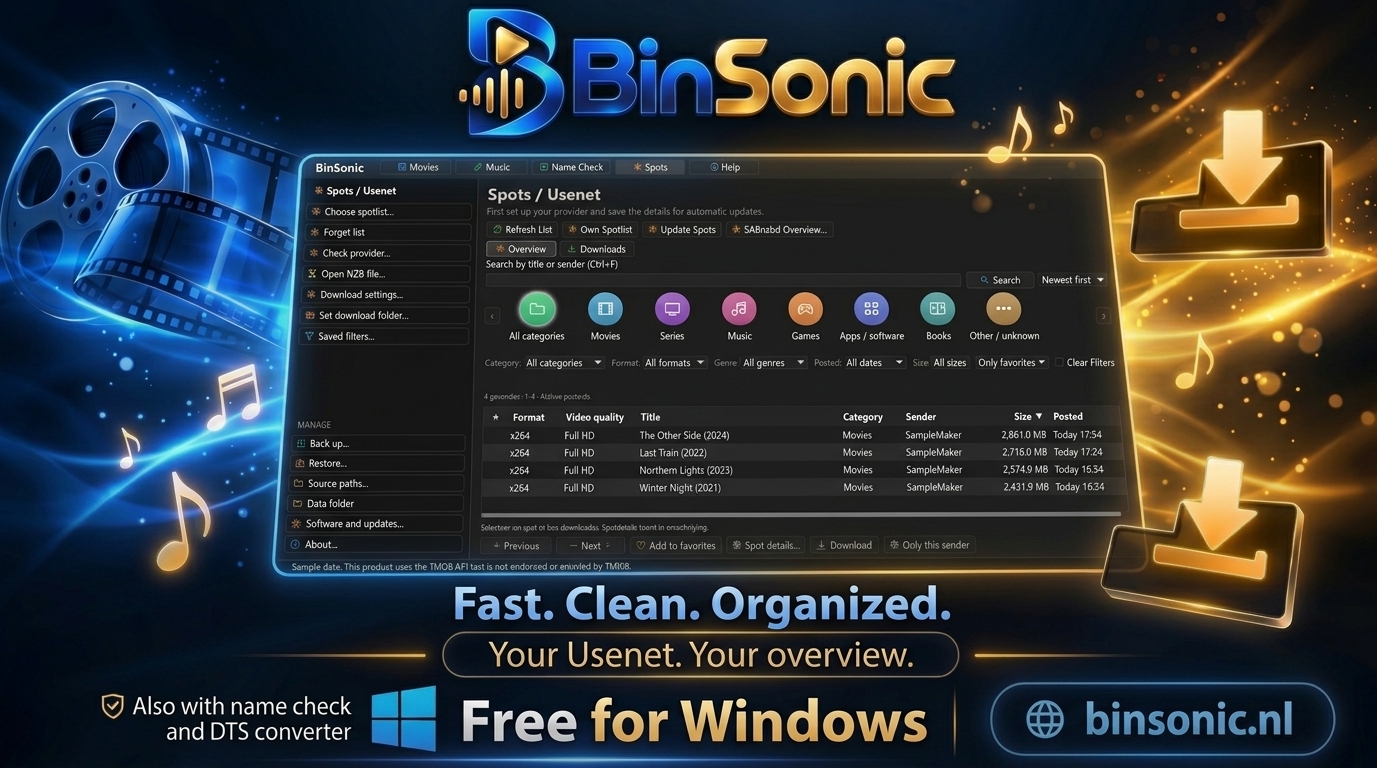
Update your spot list through your own news server or open an existing Spotnet list. Pick a category in the tree, view the details next to the list and start your download with one click. The downloader is included.
Category tree
Categories and genres with counts, new spots in bold.
List or posters
With a detail pane and the Download button alongside.
Downloader included
SABnzbd is bundled and set up for you.
DISCOVER THE POSSIBILITIES
More with BinSonic
01 · BINSONIC
An overview with a category tree
On the left is a tree of categories and genres, each with the number of spots. BinSonic opens on New: spots that arrived since your last visit are shown in bold. The Format column works just like in Spotnet.
Search by keyword, filter further and save your filters. Exclude words and senders you do not want to see. On a smaller screen, collapse the tree and the BinSonic menu to icons.
02 · BINSONIC
Details right next to the list
Select a spot and the detail pane shows its description, image and information, with a Download button. This works in the list and in the poster view. On a wide screen the pane sits next to the list; on a regular monitor it appears as a window over the list and closes with Esc.
03 · BINSONIC
Comments and ratings
When updating, BinSonic also fetches the comments. For each spot you see the rating, what others thought of it and whether it was reported as spam, before you download anything.
04 · BINSONIC
Downloading made easy
BinSonic includes SABnzbd 5.1.3. It runs only on your own PC and BinSonic sets it up for you with your news server. Already using your own SABnzbd? You can connect that instead.
Follow your downloads in an overview and pause, resume or remove them with a right-click. You can also save an NZB or open an NZB file. Questions? Visit the forum.
05 · BINSONIC
From spot to your movie library
Watch a search and get a Windows notification as soon as a new matching spot appears. Spots that are already in your library or that you have downloaded before are marked, so you never fetch anything twice.
Once a movie is in, right-click to send it to Name Check. There it gets a clean name and moves to your movie folder, after which it appears in Movies straight away. To fetch spots you need your own news server (provider).