
 Nederlands
 English
BINVAULT · SABNZBD APP FOR WINDOWS
Search Usenet spots and download NZBs with SABnzbd
BinVault is a SABnzbd client and Usenet downloader for Windows. Search spots in the newsgroups, send an NZB to SABnzbd with one click and manage your downloads from your PC, even when SABnzbd runs on your NAS.
- Full SABnzbd integration: view the queue and history, and pause, resume or delete downloads.
- Add NZBs directly: pick a spot and click Download, or open an NZB file.
- Bundled or your own SABnzbd: on this PC, on a NAS or on another server.
- Search Usenet spots: category tree, filters, comments, ratings and notifications for new spots.
- Upload and post spots yourself: files to Usenet with PAR2 and NZB, and spots under your own spotter name.
Free for Windows 10 and 11 · about 78 MB · a BinSonic account is needed to download.
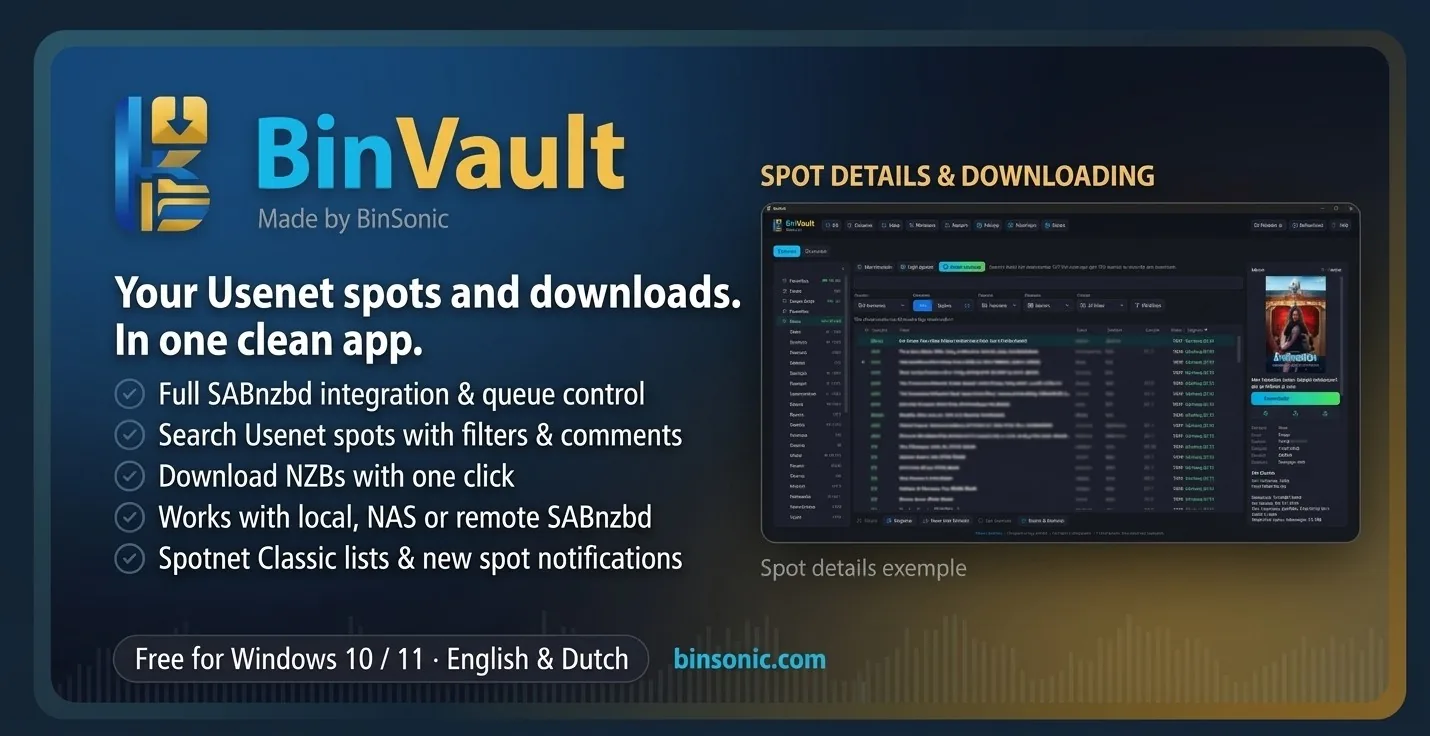
SABnzbd client
Manage queue, history and downloads from one app.
Download NZBs
Pick a spot, click Download, done. Opening an NZB works too.
Usenet spots
Spots from the newsgroups, neatly organised in a category tree.
DISCOVER THE POSSIBILITIES
Everything for Usenet and SABnzbd
01 · BINVAULT
Full SABnzbd integration
BinVault talks directly to the SABnzbd API. The download overview shows the queue and history with progress and status. Pause, resume or delete a download with a right-click, or open the folder where it was saved.
02 · BINVAULT
Download NZBs with one click
Pick a spot and click Download: BinVault fetches the NZB and sends it straight to SABnzbd. Already have an NZB file? Open it in BinVault, or save an NZB first. Spots you have already downloaded are marked, so you never fetch anything twice.
03 · BINVAULT
SABnzbd on your PC, NAS or server
BinVault bundles SABnzbd 5.1.3 and sets it up for you, on your own PC only. Is SABnzbd already running elsewhere, for example on a Synology or QNAP NAS or a home server? Connect BinVault to it with the address and API key, over a secure HTTPS connection. That way you manage Usenet downloads remotely from your Windows PC.
04 · BINVAULT
Usenet spots as an indexer
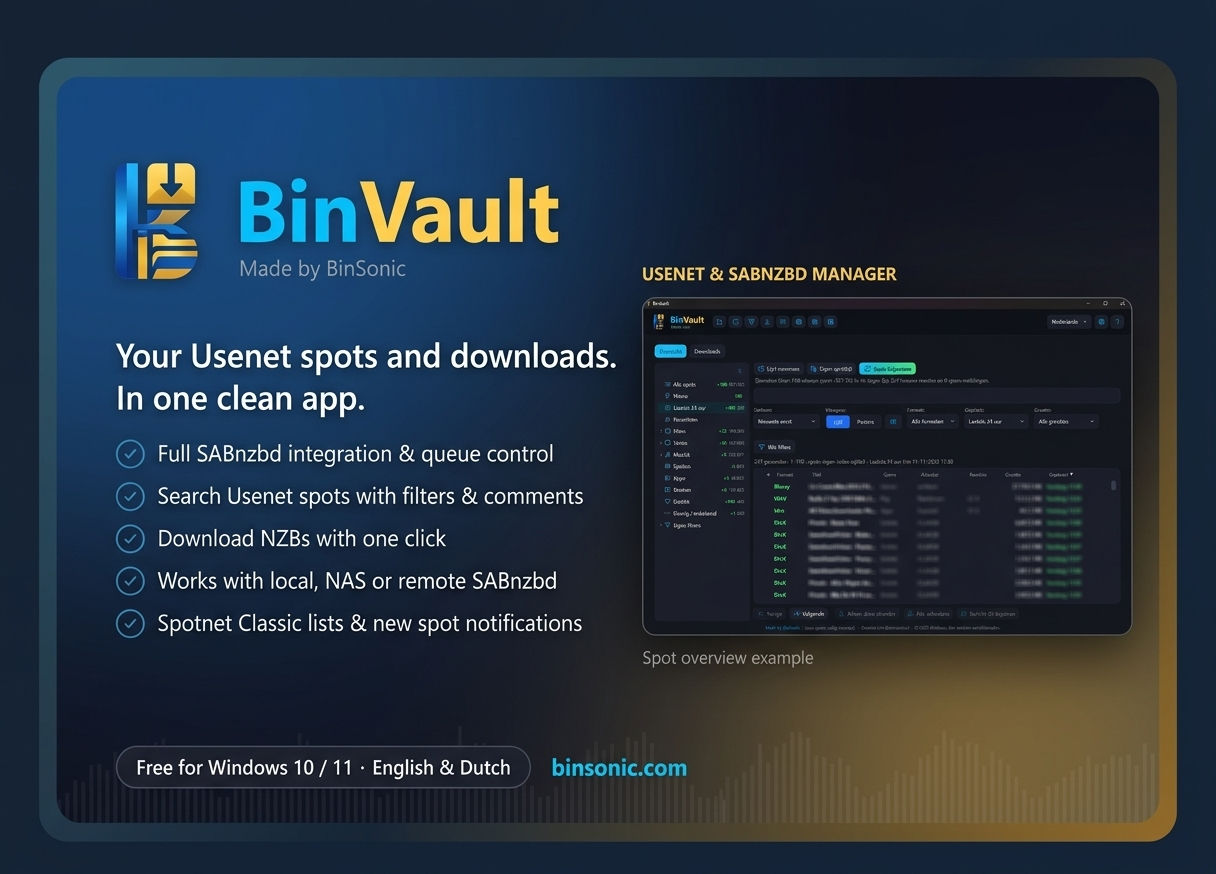
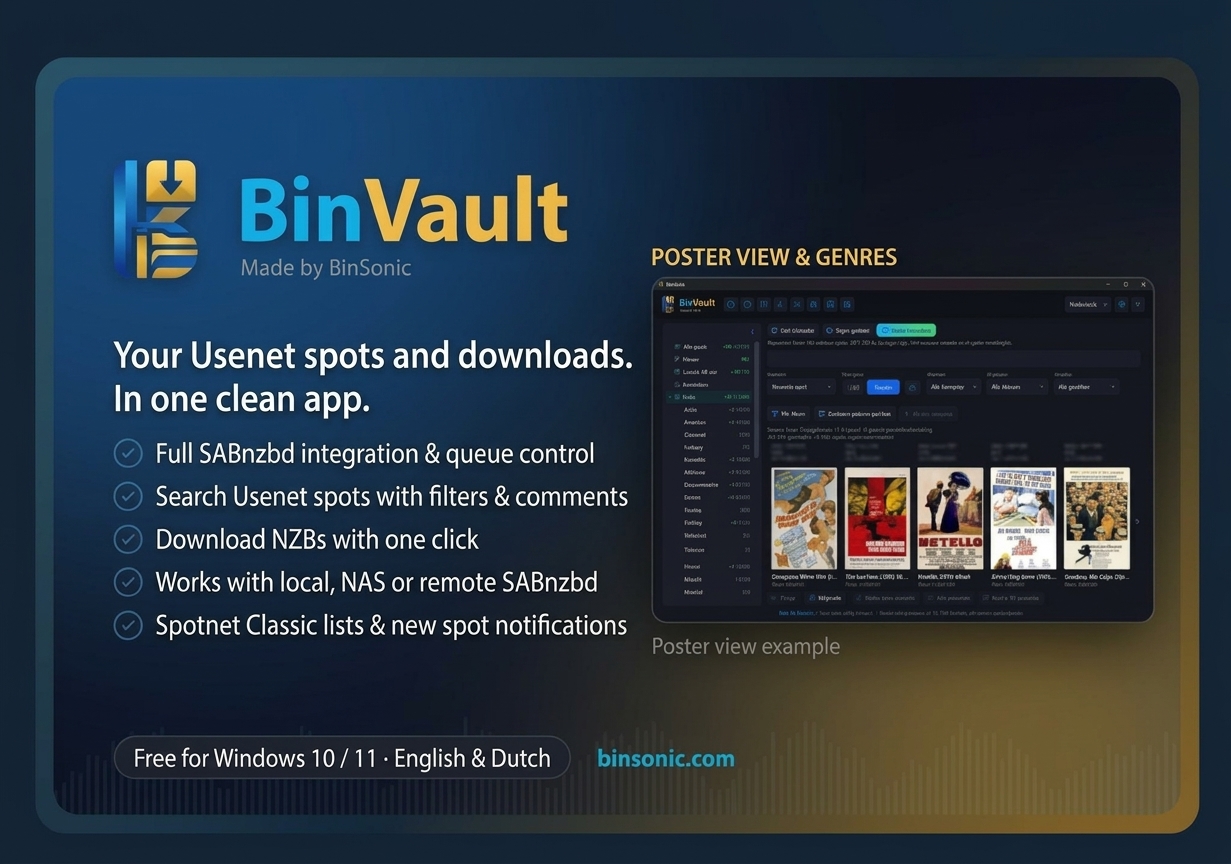
Update your spot list through your own news server or open a Spotnet Classic list. A category tree with counts and genres, search, filters, and a detail pane with description, comments, ratings and spam reports help you choose. Watch a search and get a Windows notification as soon as a new spot appears.
05 · BINVAULT
Upload to Usenet yourself
Upload files or a whole folder via Post › Upload files…. BinVault creates recovery files (PAR2) straight away. Obfuscated names are on by default, and you can first pack everything with 7-Zip, with a password.
After uploading, BinVault checks that everything is on your provider and creates the NZB. You can stop and continue later, even after closing the app. par2 and 7-Zip are always installed along with it.
06 · BINVAULT
Posting spots and commenting
After uploading, continue to Post spot with one click: the NZB and title are already filled in. You post spots under your own spotter name; import your Spotnet key and you keep the same spotter ID.
Comment on spots with a rating from 1 to 10 or report spam. Comments load automatically, with name, spotter ID, date, rating and Spotnet smileys in colour. Trusted senders are shown in gold in the list.
07 · BINVAULT
Works alongside Sonarr, Radarr and BinSonic
Already using SABnzbd with Sonarr, Radarr or Lidarr? Connect BinVault to the same SABnzbd: your automation keeps working and BinVault shows the whole queue. BinVault can also be open at the same time as BinSonic; the bundled downloaders each use their own port.
Already using BinSonic? Choose Management › Import data from BinSonic… to bring over your provider, filters, spot list, comments and posters. The setup is not digitally signed; if Windows shows a warning, choose More info › Run anyway. Download BinVault 1.2.2.
FREQUENTLY ASKED QUESTIONS
Questions about BinVault and SABnzbd
Why BinVault as a SABnzbd app?
BinVault combines searching and downloading: you find spots on Usenet, see comments and ratings, and send the NZB to SABnzbd with one click. The download overview shows your queue and history, and the bundled SABnzbd is set up for you.
Can I upload to Usenet and post spots myself?
Yes, since version 1.2.2. BinVault uploads files with PAR2 recovery files, creates the NZB and posts the spot under your own spotter name. Please note: whatever you post or upload is public and cannot be removed. Only upload what you are allowed to share.
Can I control SABnzbd on my NAS?
Yes. Connect BinVault to SABnzbd on your Synology, QNAP or other server with the address and API key. For a SABnzbd outside your own PC, BinVault uses an HTTPS connection, so enable HTTPS in SABnzbd.
Does BinVault work with Sonarr and Radarr?
BinVault does not control Sonarr or Radarr itself, but it can use the same SABnzbd. Your automation keeps working and BinVault shows all downloads in the queue.
Can I manage my Usenet downloads from my phone?
BinVault is an app for Windows 10 and 11, not for iPhone or Android. On your phone you can open the SABnzbd web interface; BinVault is made for searching spots and managing downloads from your PC.
Is BinVault an alternative to NZB360 or LunaSea?
Those apps are made for phones. BinVault is the Windows counterpart with something extra: you search spots in the newsgroups and download them straight through SABnzbd, in one program.
What do I need?
Windows 10 or 11 (64-bit), a subscription with a Usenet provider (news server) and, if you do not use the bundled downloader, your own SABnzbd. BinVault itself is free.