 Nederlands
 English
DOWNLOADS · WINDOWS
Your collection starts here
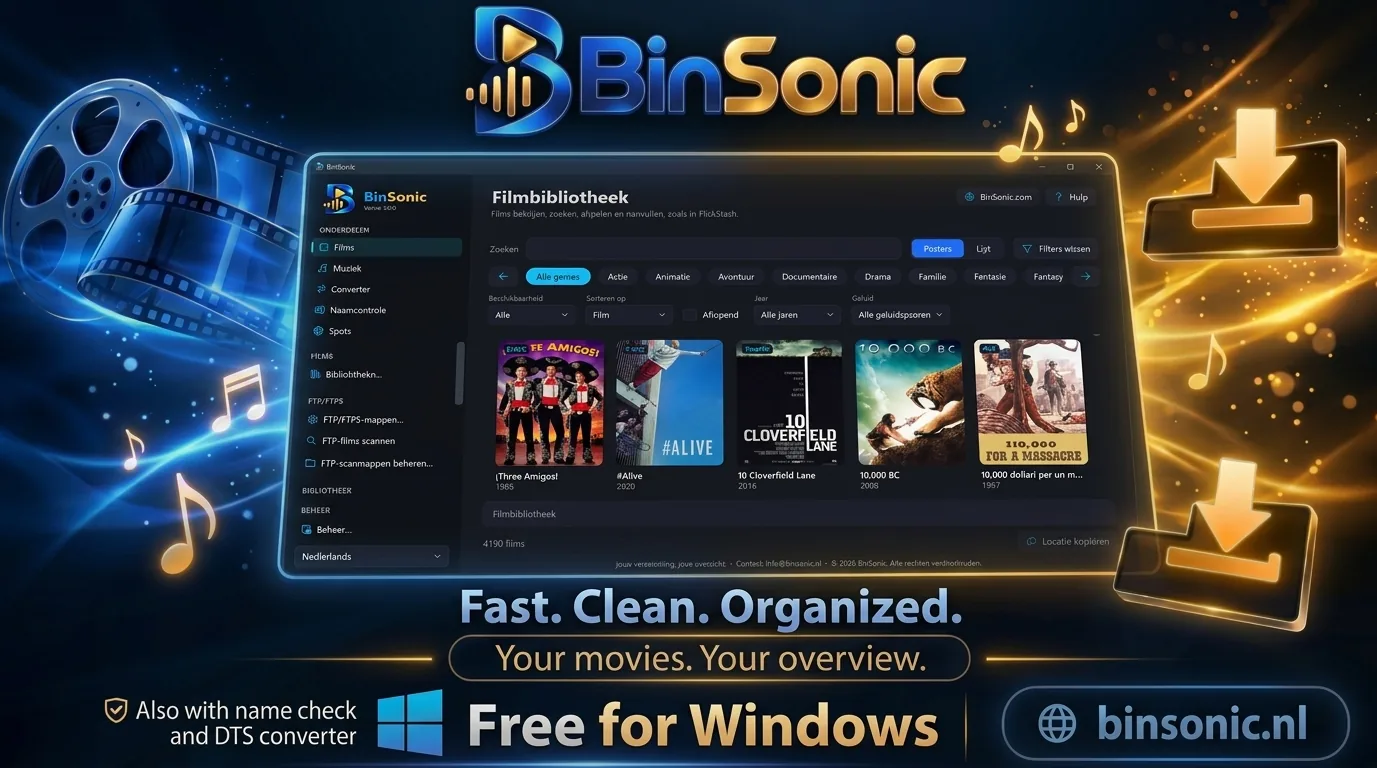
BinSonic 3 brings movies, music and spots together in one program, with a built-in DTS converter, Name Check and Management. The app and its built-in help are available in English and Dutch.
Version 3.1.3 · Windows installer · about 143 MB
Go to the download →A BinSonic account is required for the download.
For Windows
BinSonic runs on Windows 10 and 11 (64-bit). VLC and FFmpeg are included in the setup.
BinSonic account
You need an account to access the download.
Two languages
Use the app and built-in help in Dutch or English.
More apps for Windows
FlickStash 0.2.1
Film library · test version · 107 MB
Download FlickStash →BeatStash 0.2.6
Music library and DJ controller · test version · 111 MB
Download BeatStash →BinVault 1.2.2
Spots app with SABnzbd · 78 MB
Download BinVault →GOOD TO KNOW
Ready to get started
01 · BINSONIC
Before installing
Close BinSonic before installing a new version; the setup stops the bundled downloader itself and your data is kept. During installation you choose whether you want the bundled SABnzbd (for Spots) and Codex (for translating subtitles). Codex is then downloaded from the official OpenAI GitHub page.
02 · BINSONIC
First start
BinSonic starts with empty catalogues. Already using FlickStash or BeatStash? Choose Management… › Import data…. For Spots, save your news server with Check provider… and then choose Configure downloads…. The setup is not digitally signed; if Windows shows a warning, choose More info › Run anyway.
03 · DOWNLOAD
DTS2CS Converter
Only want to convert DTS? The standalone DTS2CS Converter 2.0.0 adds an AC3 or E-AC3 5.1 track to MKV movies. The same converter is already built into BinSonic.
View the DTS2CS download →04 · COMMUNITY
Download support
Questions about downloading or installing? Ask the community on the forum.
Visit the forum →