
NIEUWS · 01/11/2026
DTS2CS for Windows – version 1.1.7
- Version 1.1.7
- Download 12
- File Size 76,68 MB
- File Count 1
- Create Date 01/11/2026
- Last Updated 04/11/2026
DTS2CS for Windows – version 1.1.7
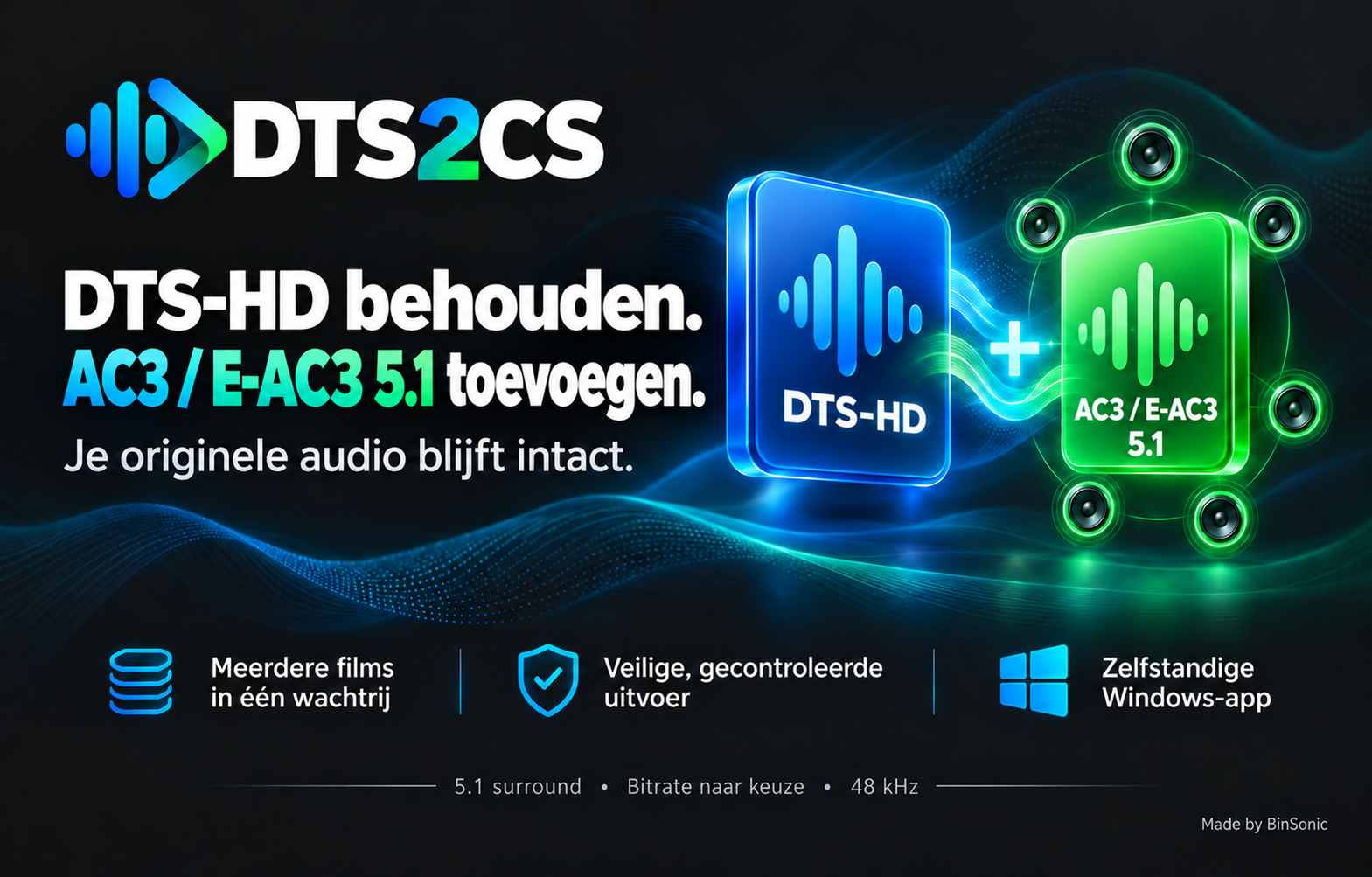
Download DTS2CS 1.1.7 for Windows, the standalone BinSonic converter that preserves DTS or DTS-HD audio and adds an AC3 or E-AC3 5.1 track to MKV films.
Version: 1.1.7
File: DTS2cs-1.1.7.exe
Size: 76.68 MB (76,676,335 bytes)
System: Windows 10 22H2 or Windows 11, 64-bit
Installation
The installer includes its own Python/Tk runtime, FFmpeg, FFprobe, the interface, logo and licenses. No separate Python, FFmpeg or BinSonic installation is required. Close DTS2CS before running setup.
Features
- Preserve all original tracks and add one AC3 or E-AC3 5.1 track from the first DTS track at 48 kHz with automatic peak correction.
- Alternatively, convert all audio tracks to AC3 or E-AC3 5.1.
- Choose AC3 bitrates from 384 to 640 kbps or E-AC3 up to 1536 kbps; the default is 640 kbps. Check your player compatibility.
- Process one MKV, scan a folder or process several films in a queue.
- Follow progress, stop after the current film or cancel processing.
- Save a separate checked result by default; replacing the original is a separate option requiring confirmation.
In add-track mode the original audio and default-track flags are preserved. Select the added track in your player if necessary. Video, subtitles, chapters, attachments and track data are also checked.
Version 1.1.7
DTS2CS and its installer are available in English and Dutch. Choose your language at the top of the app; the choice is remembered.
Previous updates
Version 1.1.6 added a version display and manual update check. The app does not automatically download or install updates. Version 1.1.5 added an option to exclude films with a track in the other format during folder scans and set the E-AC3 maximum to 1536 kbps. Version 1.1.4 refined the bitrate menu. Version 1.1.3 added E-AC3, and version 1.1.2 added cancellable automatic peak detection.
Log in with your BinSonic account to download the installer.
Read the full DTS2CS description or visit the BinSonic forum.
Expected setup SHA-256:000cc8da9f6d75ab650befcdafd8c09a9136340f00a6137fbb85d71f2beeb33f
Made by BinSonic