
BINSONIC
Music
Give your music library a home in BinSonic, from favorite albums to individual tracks. Browse your collection and find music when you want to listen.
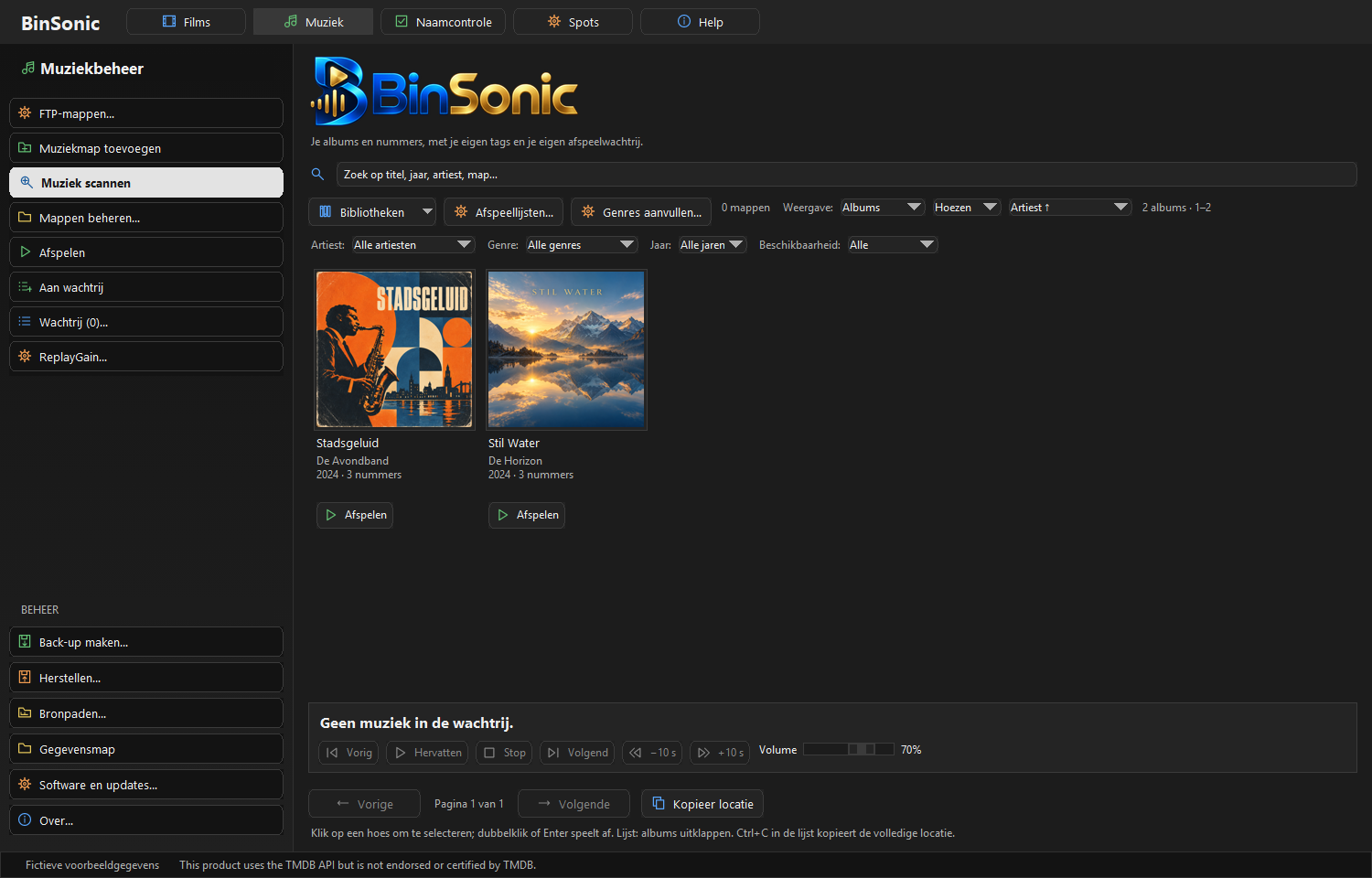
Your music library at a glance
Browse albums with their covers and information. Find what you are looking for and rediscover music from your own collection.
From album to track
Open an album to view its tracks, and use search to find artists, albums or music. Your collection stays organized as it grows.
Your music, your choice
Add your own music folders to build a library from existing files. You can select and play music in BinSonic. Covers and information depend on what is available in your music files.
Want to learn more or share an idea? Visit the BinSonic forum.
A music library that grows with you
Start with the folders you use regularly. Add them to BinSonic and check the albums and tracks available after scanning. The information shown depends partly on the tags and covers in your files. Clear artist and album names help you recognize the right music.
Album view is useful when you recognize a cover but cannot remember the title. To hear a particular track, open the album and browse its tracks. Search and the available filters make a large collection easier to explore.
Add music to a playback queue and control your listening from the app. Your films and spots have their own sections, so you can switch between collections. Read about new features on the news page.