
BINSONIC
Films
BinSonic helps you organize and find films on your computer and network, view information and choose your preferred display.
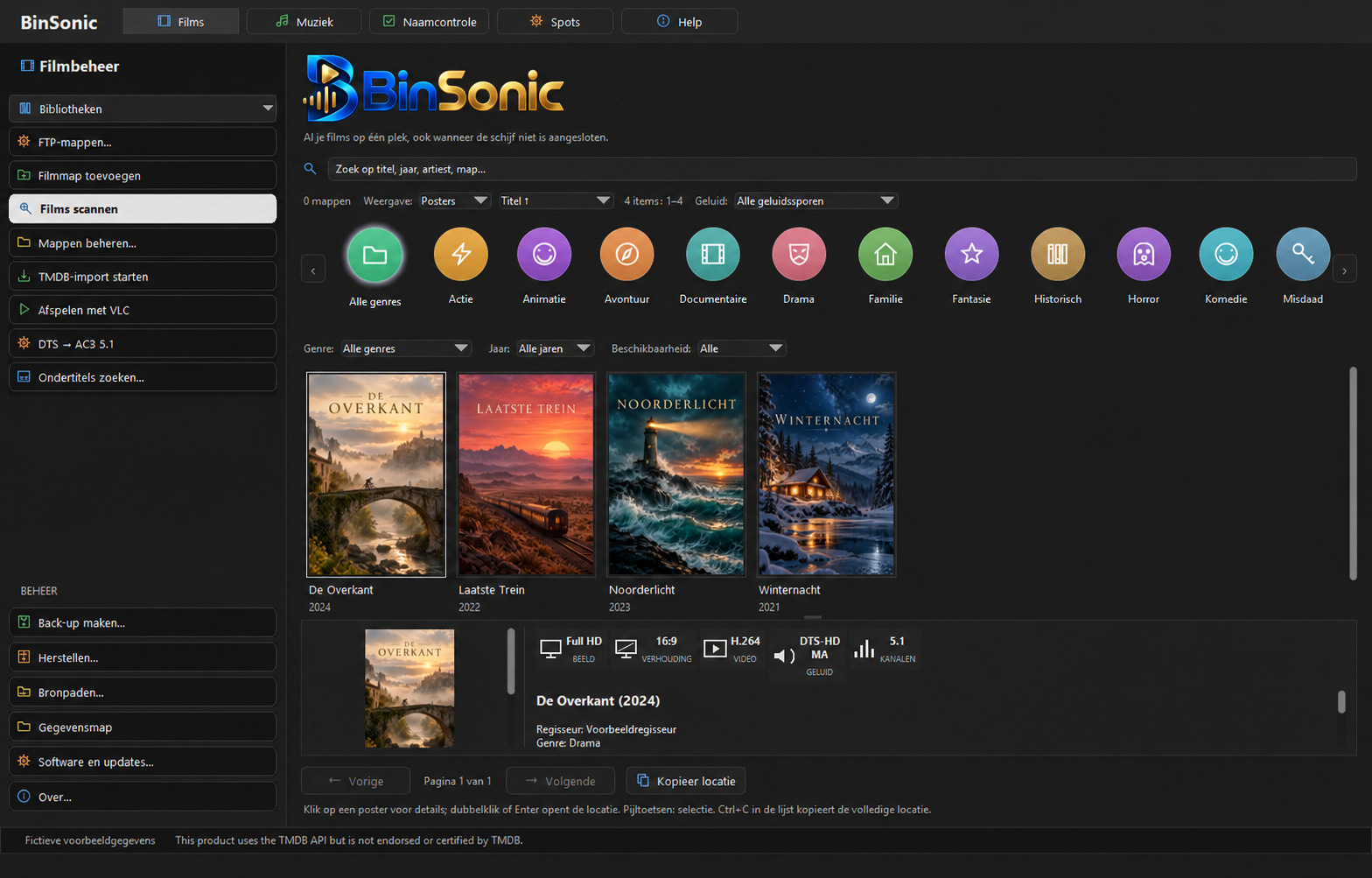
Browse films as posters or a list
View your films as posters or in a list. Use search and filters to find a title, then select it to see more information and the file location.
Build your library
Add film folders and let BinSonic scan them. You can use folders on your PC and suitable network locations, and choose when to start a scan. A personal access key is required for information and posters from TMDb.
Audio and playback
View available audio tracks and find films with DTS. The converter can add an AC3 5.1 track, and the queue can process multiple films in sequence. Always check the selected settings and messages before starting a conversion. VLC can be used for playback.
Questions or ideas? Visit the BinSonic forum.
From separate folders to an organized collection
A collection may be spread across a computer, an external drive and a shared network folder. Add these locations to your film library to browse them in one place. Start with a manageable folder and check the scan results before adding other locations.
Use the list to compare a large number of titles, or browse posters to recognize films visually. Combine search with the available filters to narrow the results without opening every folder in File Explorer.
Want to give new films recognizable names? See Name Check. Film information comes from TMDb; for playback you can use VLC.
351 container