
BINSONIC
Spots
Search and browse spots from the familiar BinSonic interface. Choose your preferred view and read the details of a spot in the app.
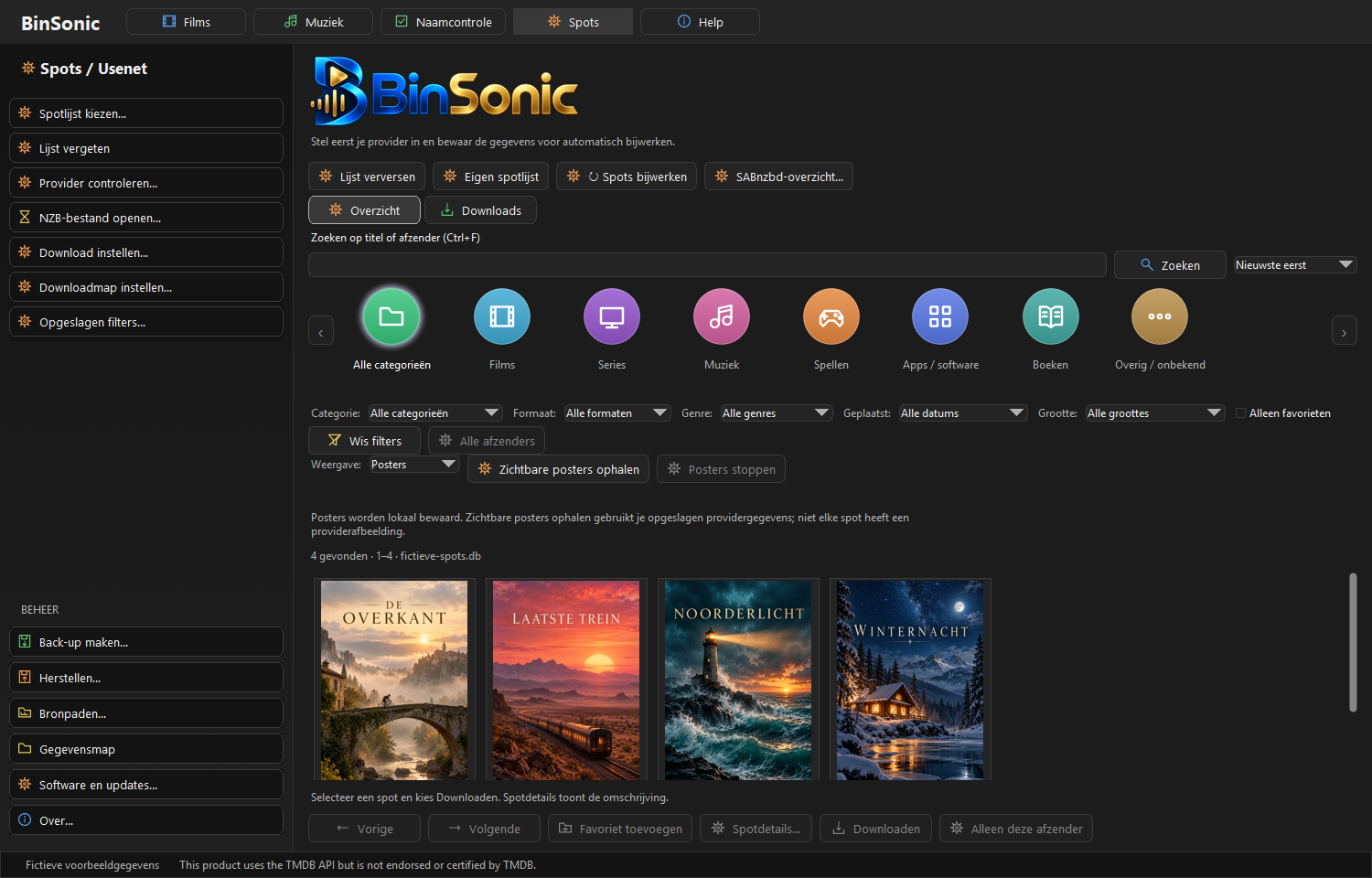
Browse with posters
Poster view gives you a visual overview of images, titles and key information.
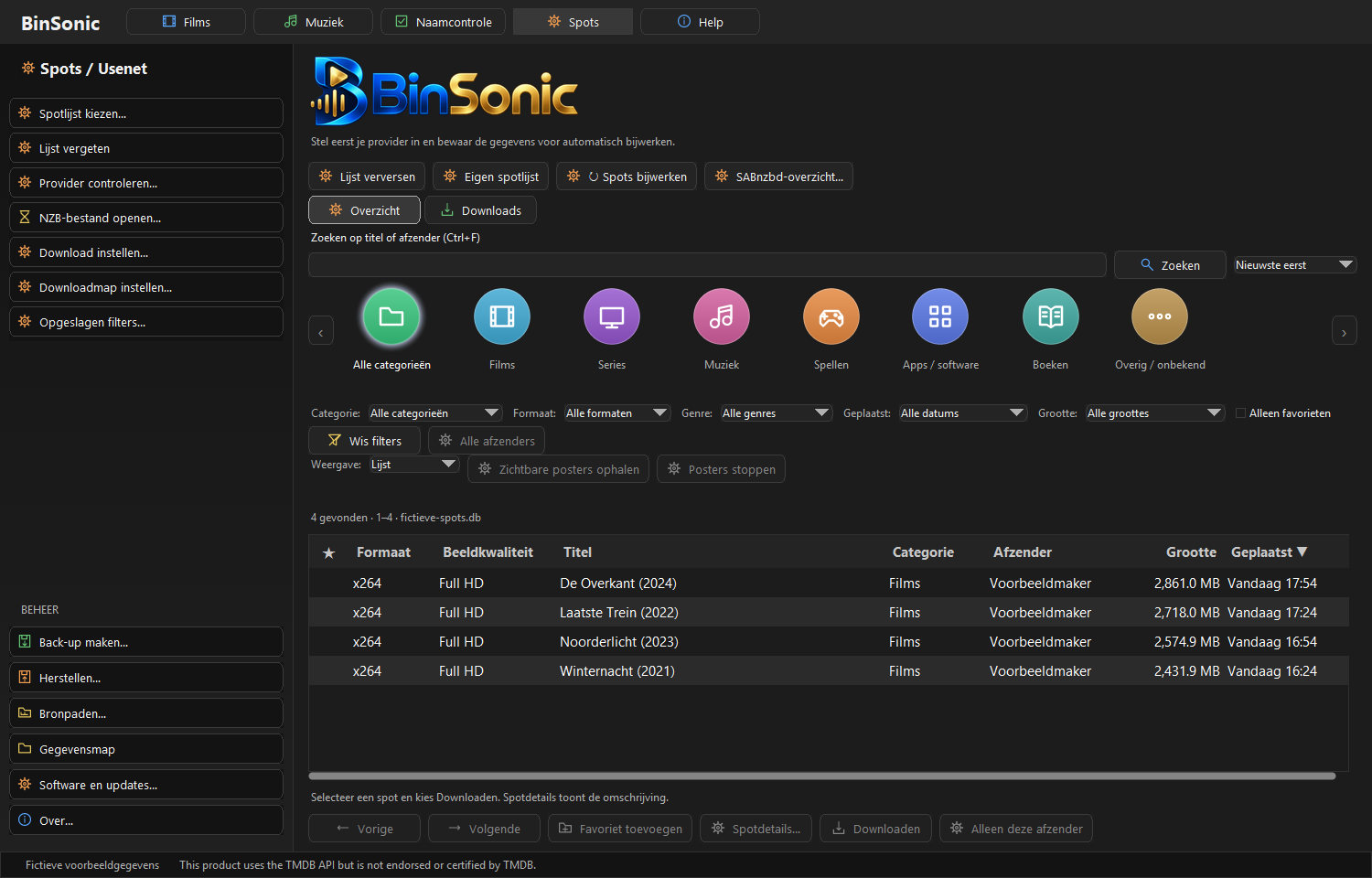
Compare spots in a list
List view presents information compactly so you can browse titles and compare details quickly.
Search, filter and view details
Search by title or poster and use categories and filters to refine the list. Open a spot to read its description and available information. Retrieving spots and images requires suitable news server settings.
Follow downloads
BinSonic can work with SABnzbd. View available download options and follow progress in the app. You choose which tasks to start.
Need help or have an idea? Visit the BinSonic forum.
From search results to an informed choice
Start with a search term and choose a suitable category. Additional filters narrow the results. Use the list to compare information or posters for visual browsing.
Read the description before starting a download. Spots do not all contain the same information, and an image may not be available. Check the title and details; a missing poster alone does not indicate whether a spot matches your search.
For downloads, BinSonic works with SABnzbd. Enter your provider and download settings before starting. Ask about settings on the forum. To organize your own files, explore Films and Music.