BINSONIC
Name Check
Name Check helps you review and compare new film titles before copying files to your library.
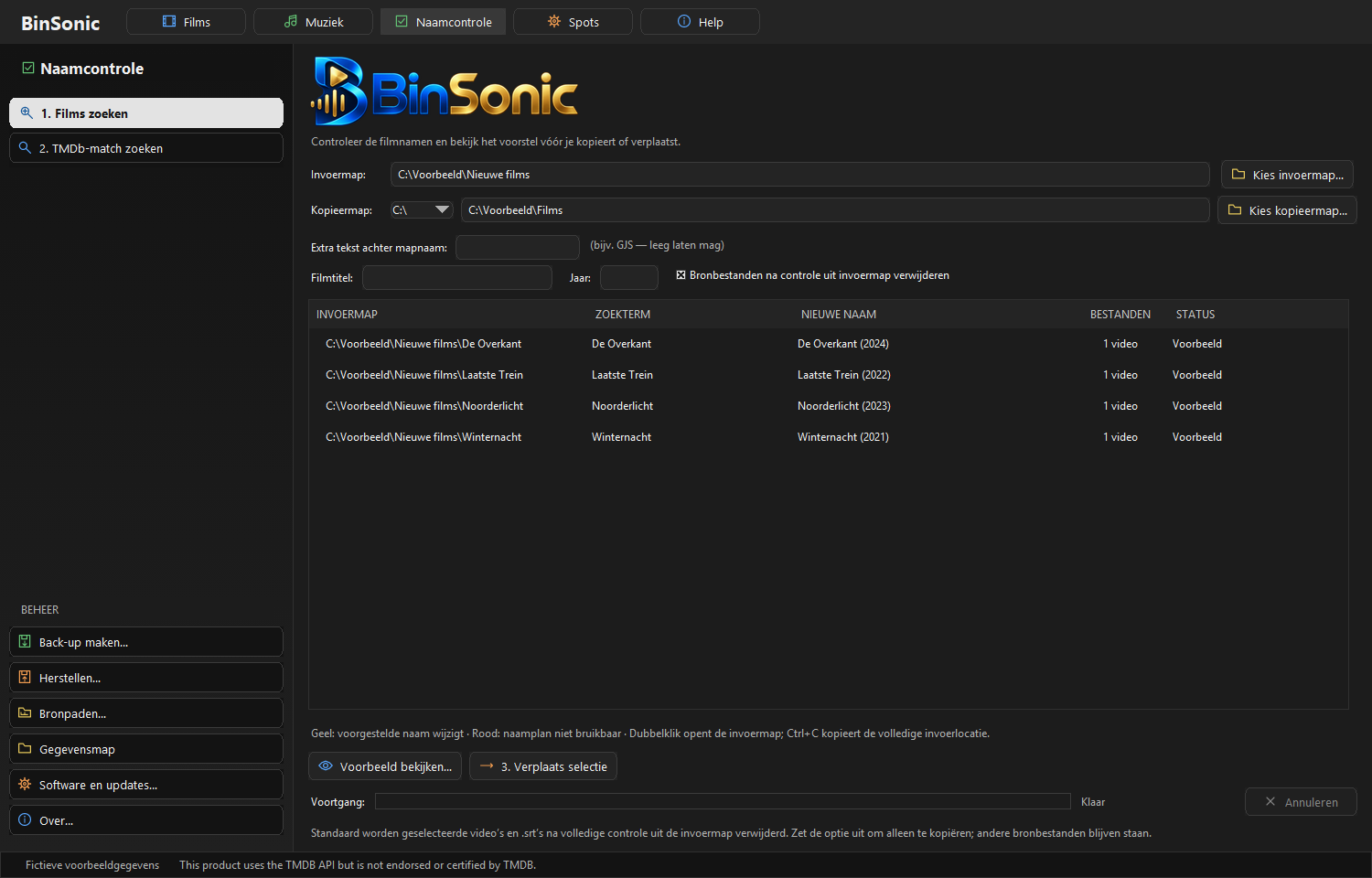
A clear overview
Select the folder containing new films and review the names found in one overview. See which titles need attention and assess suggested names at your own pace.
Stay in control
Check the title and year before changing a name. Adjust the selection when needed and make changes deliberately. A clear, recognizable name makes a film easier to find later.
Prepare films before adding them
Name Check helps prepare new films for your library. Review the results carefully, especially when several films have similar names.
Have a question? Ask on the forum.
Look out for similar titles
Two films can share a title but have different release years. A sequel or remake can also be confused with the original. Compare the suggested title with the file you intend to add. The year is a useful clue, but check the other available information if in doubt.
Choose one folder, review the names and then make the desired changes. Check the results before moving on to the next folder. Do not accept an unclear name without checking it.
After checking names, continue to your film library, where you can browse posters or a list and search for films. If a title is recognized incorrectly, describe what you see and the title you expected on the forum.